 YXE Creations Craft Hub
Every design starts from a great template.
Ship curated maker presets so customers never face a blank canvas, and feature your own design presets, front and center, in the editor.
Maker presets
A curated set of ready-to-use presets across the most popular maker projects: signs, keychains, tags, ornaments, and more. Customers pick a starting point and customize, instead of building from scratch.
Your design presets
Curate your own designs into the editor as presets. Highlight your catalog, your styles, and your best-sellers so customers design within your brand's look.
How presets work in your bundle
Send us your designs, or pick from our maker preset catalog.
Presets appear in your whitelabel editor or embed, ready for customers to open and edit.
They personalize a preset and export a production-ready file, all under your brand.
What your customers make
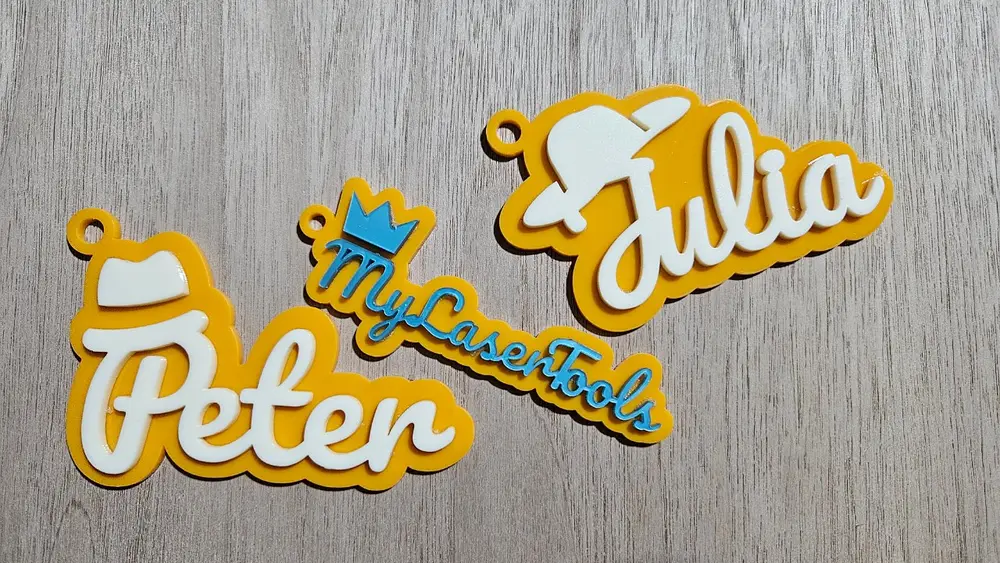
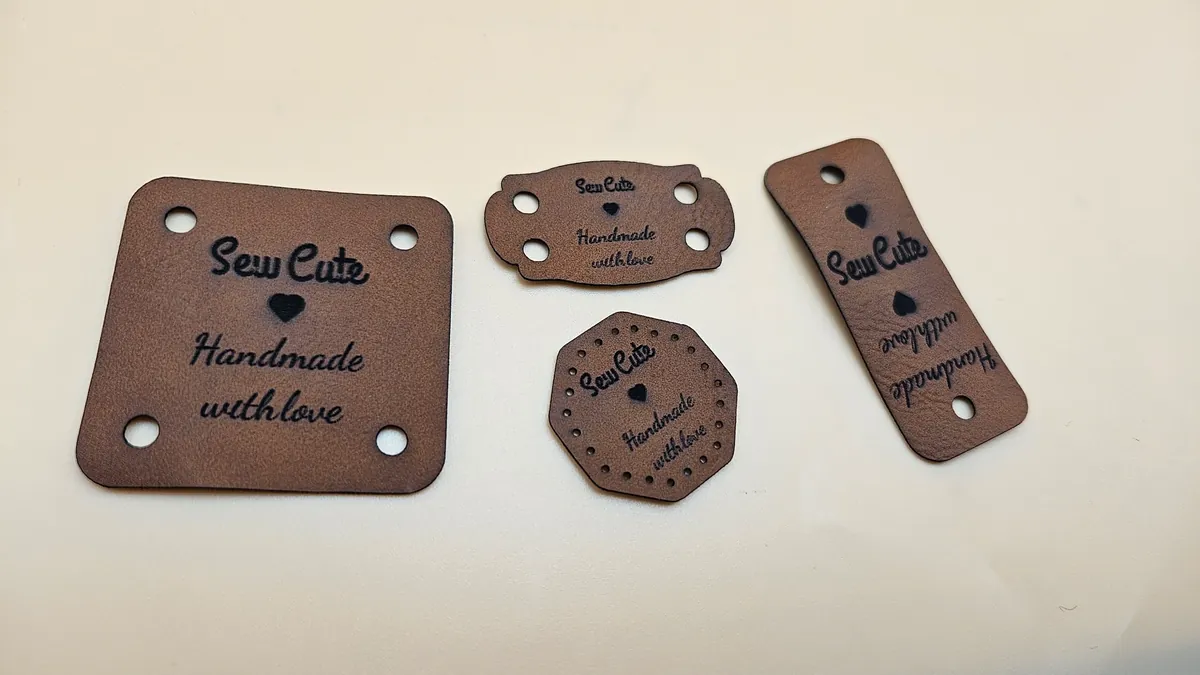
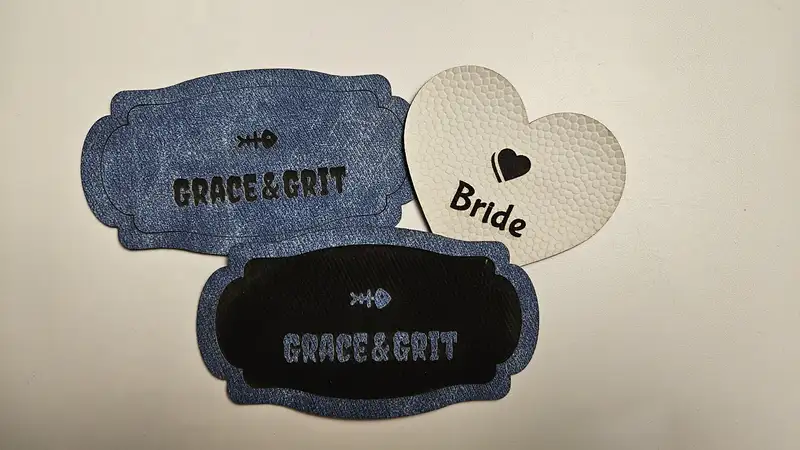
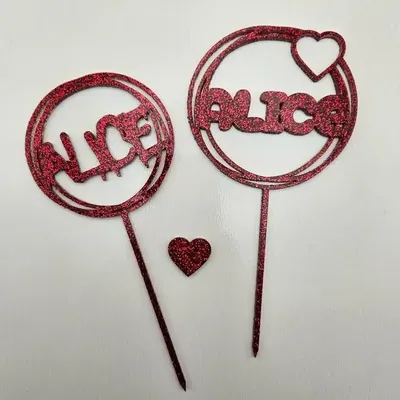
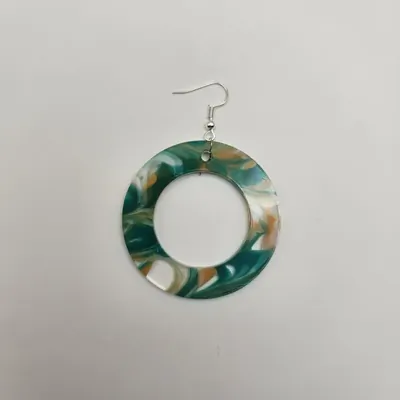
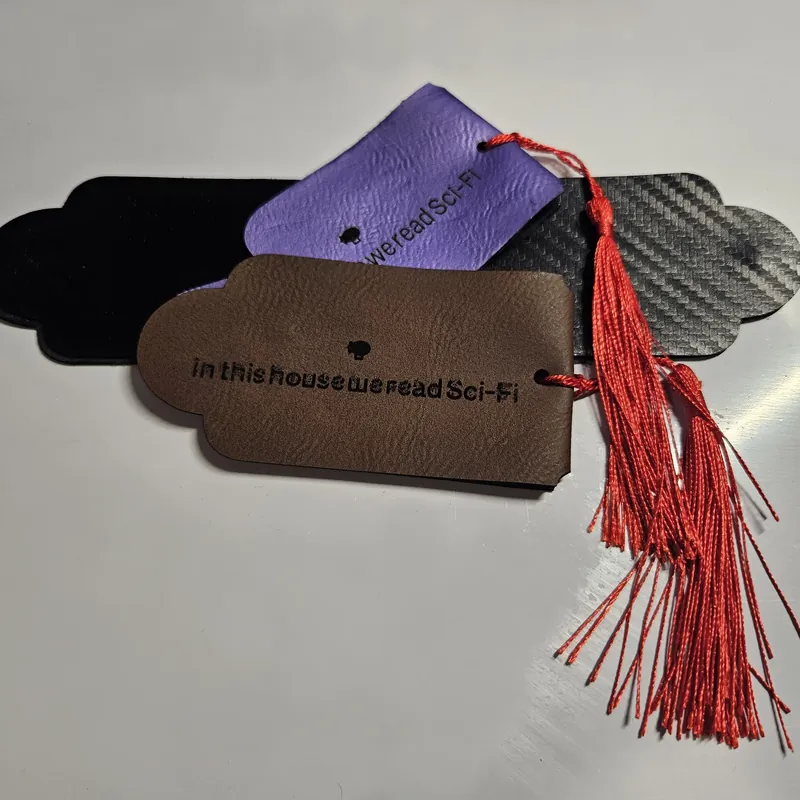
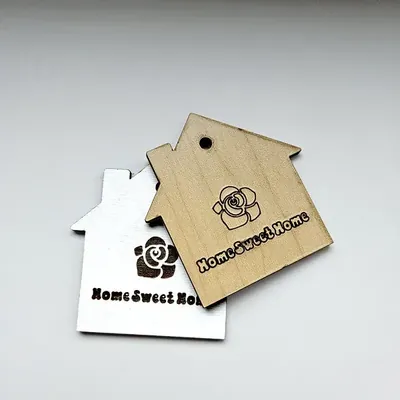
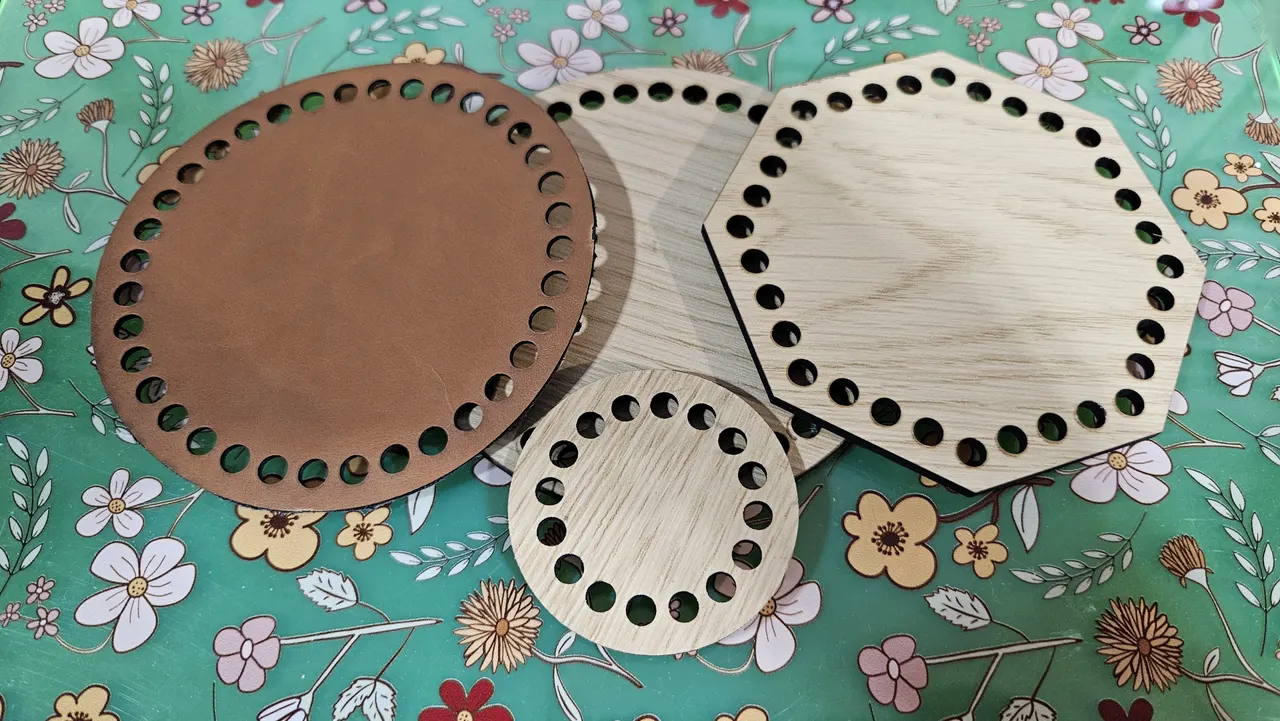
Real products makers create with MyLaserTools, the kind of catalog your presets can ship with.
Frequently asked questions
How maker presets and your own design presets work in your bundle.
What are maker presets?
Maker presets are curated, ready-to-use starting points across the most popular maker projects, including signs, keychains, tags, and ornaments. Customers pick a template and personalize it instead of building from a blank canvas.
Can I add my own designs as presets?
Yes. You can curate your own designs into the editor as presets to highlight your catalog, your styles, and your best-sellers, so customers design within your brand's look.
How do my designs become presets in the editor?
You send us your designs or choose from our maker preset catalog, we curate them into your whitelabel editor or embed, and customers then open a preset, personalize it, and export a production-ready file, all under your brand.
Do presets work in both hosted and embedded bundles?
Yes. Presets appear in your whitelabel editor whether you run it hosted on your own domain or embedded inside your app, and they work alongside datasets, symbols, and the API.
Bring your designs to the editor
Email us your designs or catalog and we'll turn them into presets in your MyLaserTools bundle.